Your best ideas are already published. Right now they are spread across blog archives, podcast episodes and course modules. When you turn blog into ebook format, you package that tested material into one polished product that readers can buy, download and share.
By the end of this guide, you will know how to select content, organize chapters, edit, proofread, design a cover, format files and publish. You will also see a worked royalty example and where professional help saves time and protects quality.
How Do You Turn a Podcast, Blog or Course Into an Ebook?
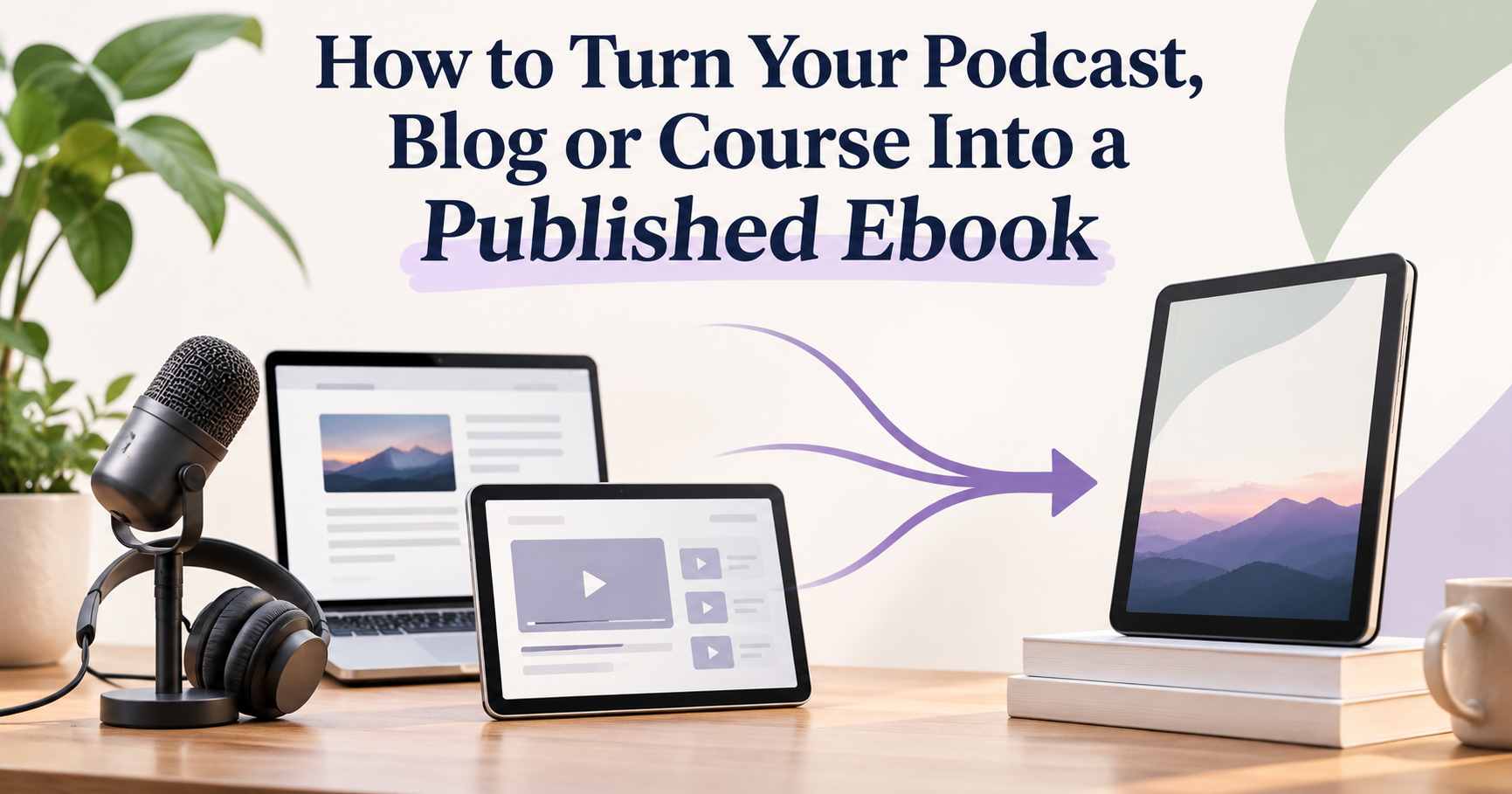
You turn blog into ebook format, or do the same with a podcast or course, by choosing your strongest pieces and reshaping them into a structured book. First, organize those pieces into a logical chapter flow. Then rewrite them for readers, not browsers or listeners. The manuscript then goes through editing and proofreading. After that come a professional cover, clean EPUB or Kindle formatting, and upload to stores such as Amazon KDP, Apple Books and Kobo. The method works because your audience has already validated the ideas. Twenty blog posts of 1,500 words each give you about 30,000 words, a solid length for a nonfiction ebook. The real work is transformation, not writing from scratch.
Reader demand is there. According to Pew Research Center, 31% of U.S. adults read an ebook in the past year. Among adults under 30, that figure rises to 41%.
What You’ll Need Before You Start
Line up these tools and assets before you turn blog into ebook format:
A content inventory: a spreadsheet of posts, episodes or lessons, with topics and performance data
Transcripts for audio or video, from tools like Otter.ai or Descript
A writing tool such as Google Docs, Microsoft Word or Scrivener
An editing aid like Grammarly or ProWritingAid
A clear reader goal: the one result your book will help someone achieve
Rights to everything you reuse: your own text is fine, but check permission for guest interviews, stock photos and quoted material
Step 1: Select Content That Already Performs
Start with the pieces your audience already loves. Check Google Analytics for top blog posts and your podcast host for the most-downloaded episodes. Course platforms like Teachable or Kajabi show which lessons have the highest completion rates.
Next, group everything by theme. Every successful attempt to turn blog into ebook content starts with one central promise. Cut anything that does not serve it. That is the core of how to create an ebook from blog content: curation matters more than volume.
Podcasters should plan for editing. People speak at roughly 150 words per minute, so a 30-minute episode yields about 4,500 words of transcript. Much of that will be conversational filler.
Step 2: Organize Chapters Around a Reader Journey
Arrange chapters in the order a reader needs them, not the order you published them. Blog archives run by date. Books should run by logic, moving from fundamentals to advanced strategies.
This simple framework works for most nonfiction:
Introduction: the problem and the promise
Foundation chapters: core concepts and definitions
Action chapters: methods, frameworks and examples
Conclusion: next steps and a call to action
Merge overlapping posts into single chapters. Then add bridging paragraphs so each chapter leads naturally into the next.
Step 3: Rewrite and Edit for the Page
Rewrite every section so it reads like a book, not a stack of posts. To convert blog posts into an ebook successfully, remove dated references, “click here” links and phrases like “in last week’s episode.”
Expand thin ideas with fresh examples, case studies or exercises. Paying readers expect more than they got for free online. Many authors who turn blog into ebook editions add 20% to 30% new material to give the ebook exclusive value.
Edit at two levels. Developmental editing checks structure and argument, while line editing sharpens sentences, tone and clarity. Our editing and formatting service covers both if you want an expert eye.
Step 4: Proofread Line by Line
Proofread only after editing is complete. This final pass catches typos, punctuation slips, inconsistent capitalization and stray formatting.
Read the manuscript aloud, or use the Read Aloud feature in Microsoft Word. Run a final Grammarly check, then ask a second person to review it. Software catches obvious errors; people catch awkward phrasing and logic gaps.
Pro tip: Proofread on the device your readers will use. Errors that hide on a laptop screen often jump out on a Kindle or a phone.
Step 5: Design a Cover That Works at Thumbnail Size
Commission a cover that reads clearly at the size of a postage stamp. Most shoppers first see your book as a small thumbnail on Amazon or Apple Books. Bold titles and simple imagery win.
Amazon KDP recommends an ideal ebook cover of 2,560 pixels high by 1,600 pixels wide, a height-to-width ratio of 1.6:1, saved as JPEG or TIFF. Match your genre’s visual conventions too. A business book should look like a business book.
A professionally designed book cover often decides whether a browser clicks or scrolls past.
Step 6: Format Files for Every Ebook Store
Format the manuscript as a reflowable EPUB, built on the W3C’s EPUB 3 standard. Apple Books, Kobo and Google Play Books all accept it. Amazon KDP also takes EPUB uploads and converts them for Kindle devices.
Clean formatting includes:
A clickable table of contents
Consistent heading styles
Properly sized, compressed images
Page breaks between chapters
Front matter (title page, copyright) and back matter (author bio, links)
Tools like Vellum, Atticus and Kindle Create help with simple books. Complex layouts with tables or workbook pages need specialist handling. Our Kindle KDP formatting team tests files across devices before launch.
Step 7: Publish, Price and Promote
Upload your files, cover and metadata to your chosen platforms. Amazon KDP is the largest ebook marketplace. Draft2Digital can distribute to Apple Books, Kobo, Barnes & Noble and others from one dashboard.
Price with royalties in mind. KDP pays a 70% royalty on ebooks priced from $2.99 to $12.99 on Amazon.com. That band expanded from a $9.99 ceiling on July 7, 2026. Outside it, the rate drops to 35%. Books already on the 35% option stay there until you switch them.
Worked example: you price the ebook at $4.99 on the 70% option. KDP also charges a delivery fee of $0.15 per megabyte, so a 1 MB text-only file costs $0.15. Your royalty is ($4.99 − $0.15) × 70% = about $3.39 per sale, so 100 sales earn roughly $339. This assumes a 1 MB file, Amazon.com sales and no tax adjustments. Image-heavy files cost more to deliver, which is another reason to compress images.
Write a keyword-rich description and choose accurate categories. Then launch to the audience you already have. When you turn blog into ebook products, your email list, podcast listeners and course students become your first readers.
Common Mistakes to Avoid When You Turn Blog Into Ebook Format
Most mistakes come from treating the ebook as a copy-and-paste job. Watch for these:
Copying posts word for word: readers spot recycled free content and leave poor reviews
Keeping time-sensitive references: “this year” or “last episode” dates the book instantly
Skipping professional editing: self-editing misses your own blind spots
Using a DIY cover that becomes unreadable as a thumbnail
Ignoring device testing: broken layouts lead to refund requests
Publishing without a launch plan: even great books need a push
Why Use Professional Ebook Publishing Services?
Professional services turn months of trial and error into a predictable process. Specialists bring genre knowledge, technical formatting skills and quality control that most creators lack time to build.
DIY vs Professional Ebook Publishing
Stage
DIY Approach
Professional Service
Editing
Self-review plus Grammarly or ProWritingAid
Developmental, line and copy editing by trained editors
Cover design
Canva templates shared by many other books
Custom, genre-aware design built for thumbnails
Formatting
Kindle Create or Calibre with manual testing
EPUB and KDP files tested across devices
Your time
Many hours spent learning each skill
Your focus stays on content and promotion
Quality risk
Higher chance of errors and store rejections
Quality checks at every stage
You do not have to outsource everything. Many creators turn blog posts into a book themselves and hand off only the cover and formatting. When you turn blog into ebook form this way, you keep creative control and still launch a professional product.
Frequently Asked Questions
How Many Blog Posts Do You Need for an Ebook?
Most nonfiction ebooks need 15 to 25 related posts. At about 1,500 words each, that gives 22,500 to 37,500 words before you add new material. Quality and a single theme matter more than the exact count.
Can I Turn Blog Into Ebook Files for Free?
Yes. You can write in Google Docs or Word, export to EPUB with free tools like Calibre or Kindle Create, and publish on Amazon KDP at no upfront cost. Paid tools and services mainly save time and improve polish.
Is It Okay to Reuse My Blog Posts in a Book?
Yes, if you own the content. You should still rewrite it for the page and add new material, so buyers get more than the free posts. Check permissions for guest contributions and third-party images.
What File Format Should an Ebook Use?
Use reflowable EPUB for most books. It works on Apple Books, Kobo and Google Play Books, and KDP accepts it too. Choose fixed-layout only for image-heavy or workbook-style titles.
Key Takeaways
What to Do Next
Pick your top 15 to 20 pieces of content this week and map them into a draft chapter list. That one exercise shows whether you already have a book and what is missing. When you are ready to turn blog into ebook format with expert support, contact our publishing team to plan your project.

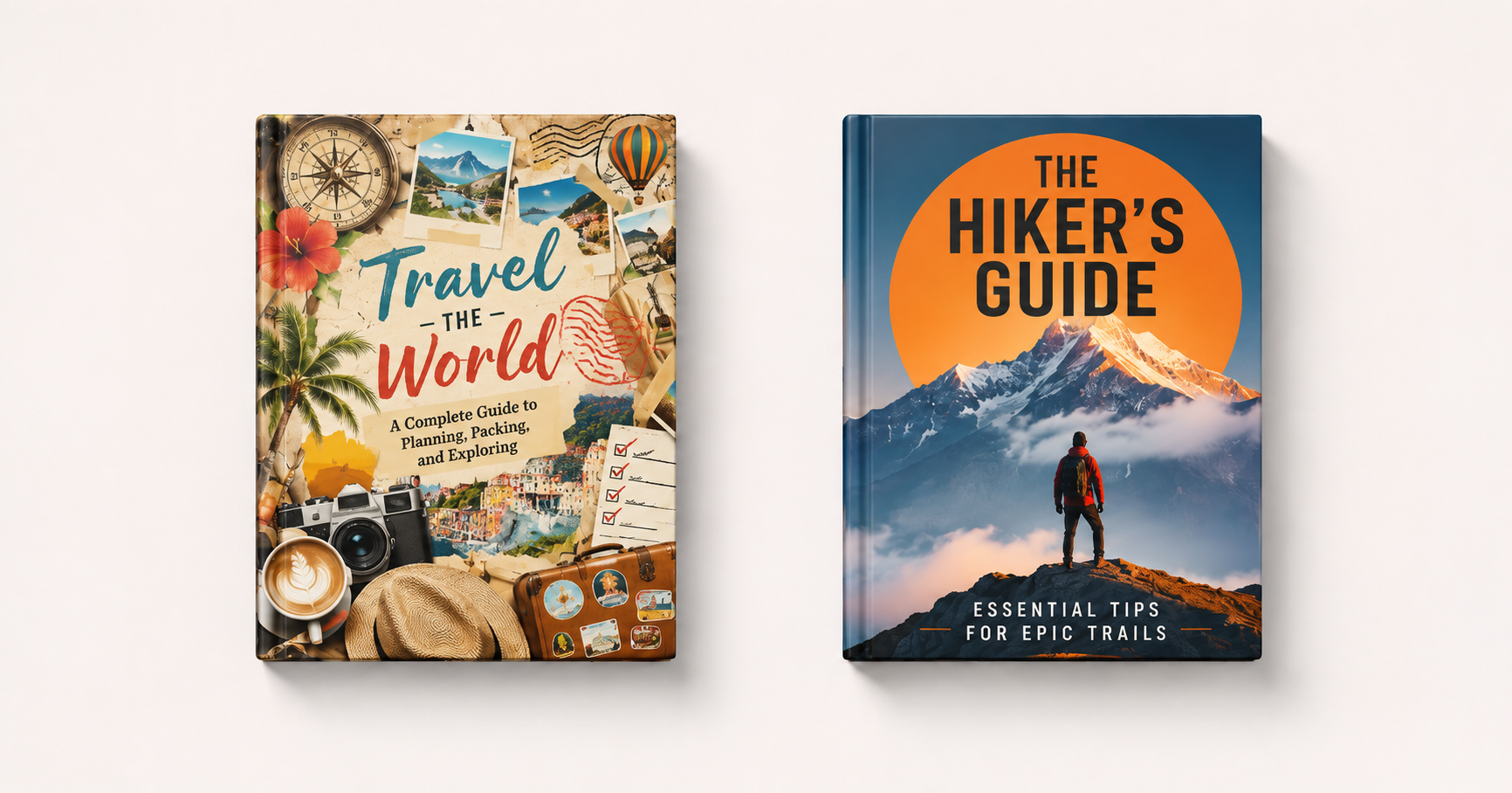 A professionally designed book cover often decides whether a browser clicks or scrolls past.